The Control Center your Android deserves.
Quick toggles, clean widgets, and instant access — swipe down from anywhere. ControlKit brings the smooth iOS-style Control Center experience to your Android phone.
Built for everyday Android.
A focused, fast, and beautiful Control Center. No bloat. No tracking your screen.
Swipe-down quick toggles
Wi-Fi, Bluetooth, brightness, DND, screenshot — one swipe away from any app.
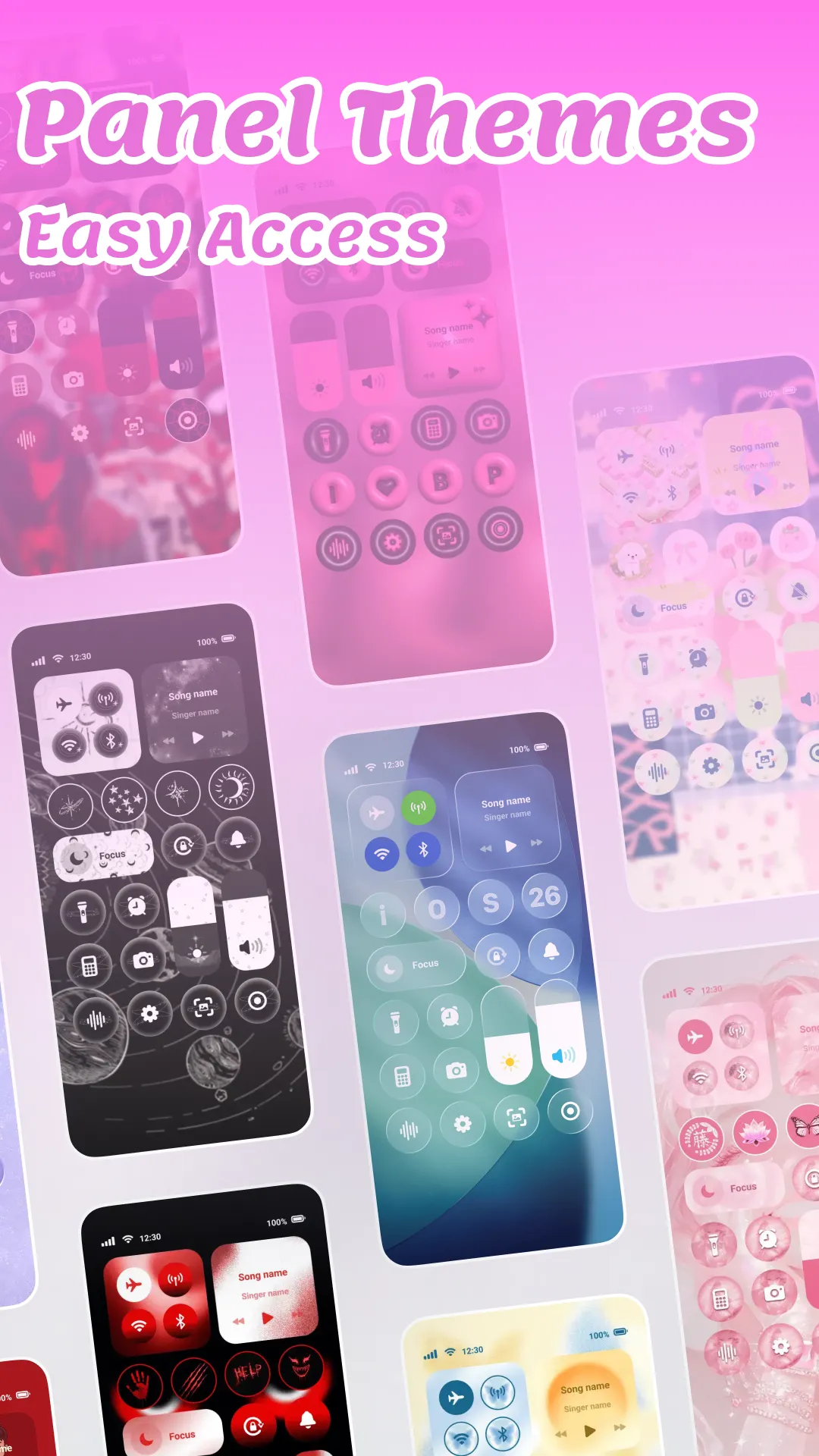
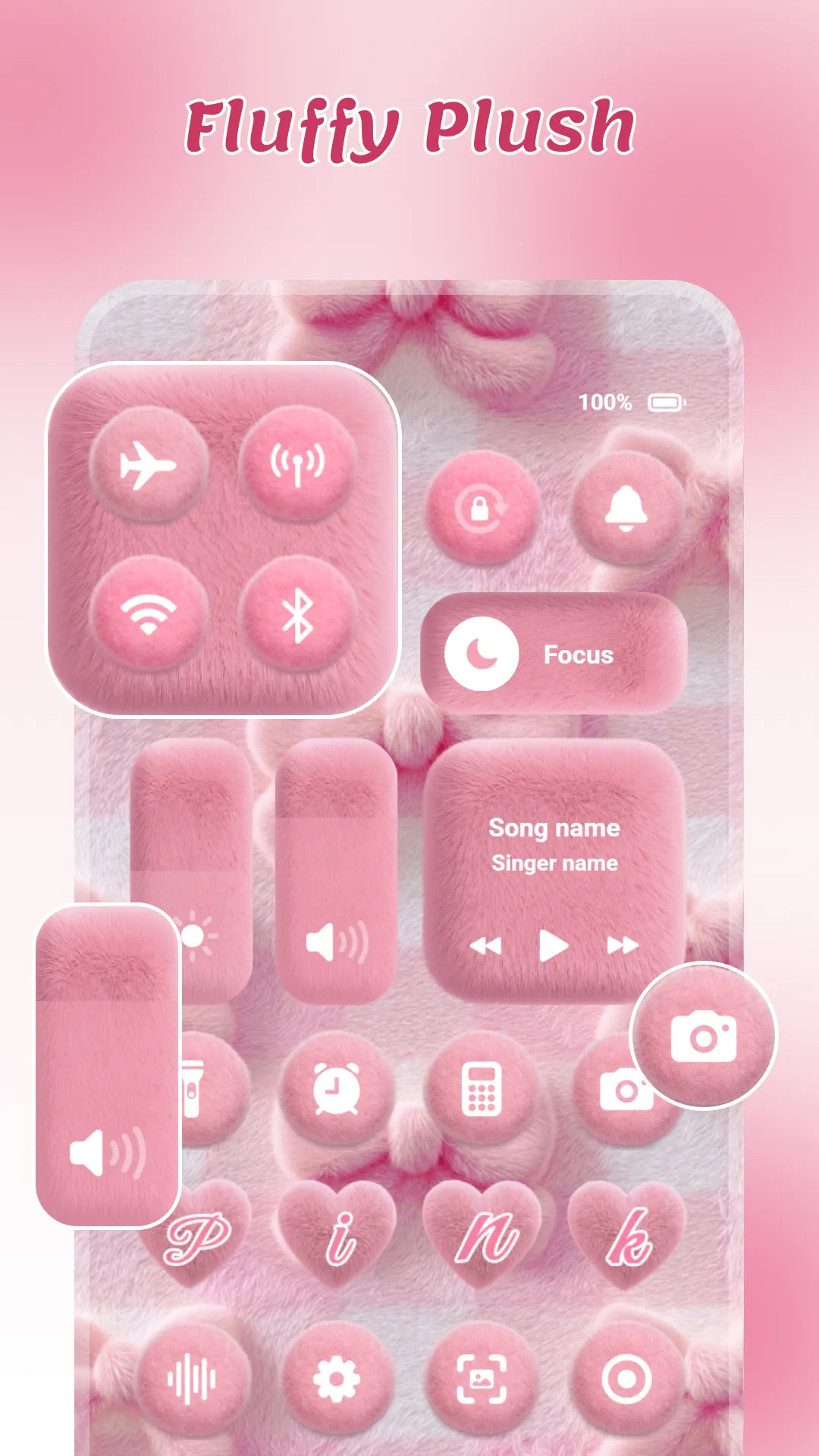
Beautiful themes
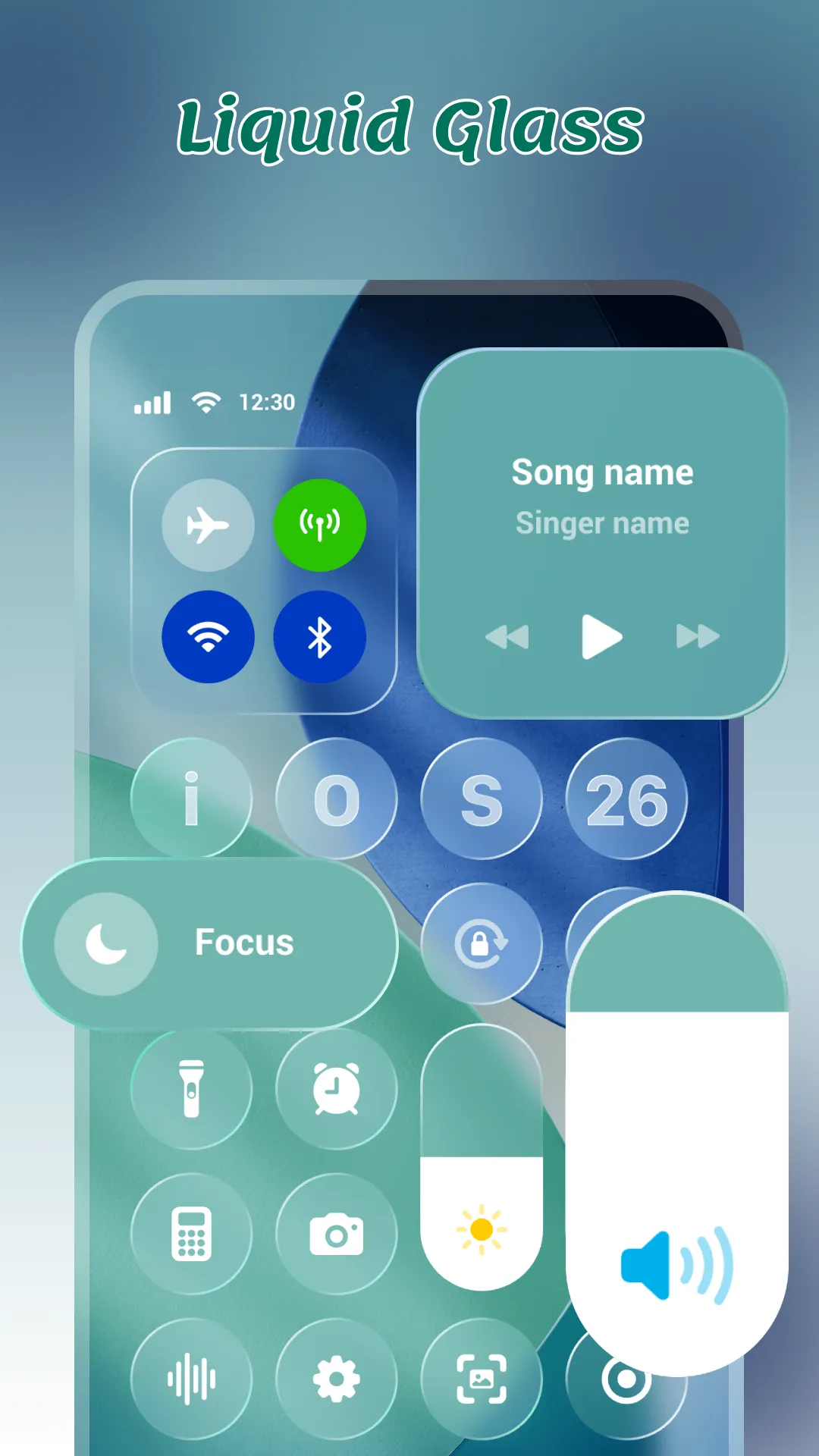
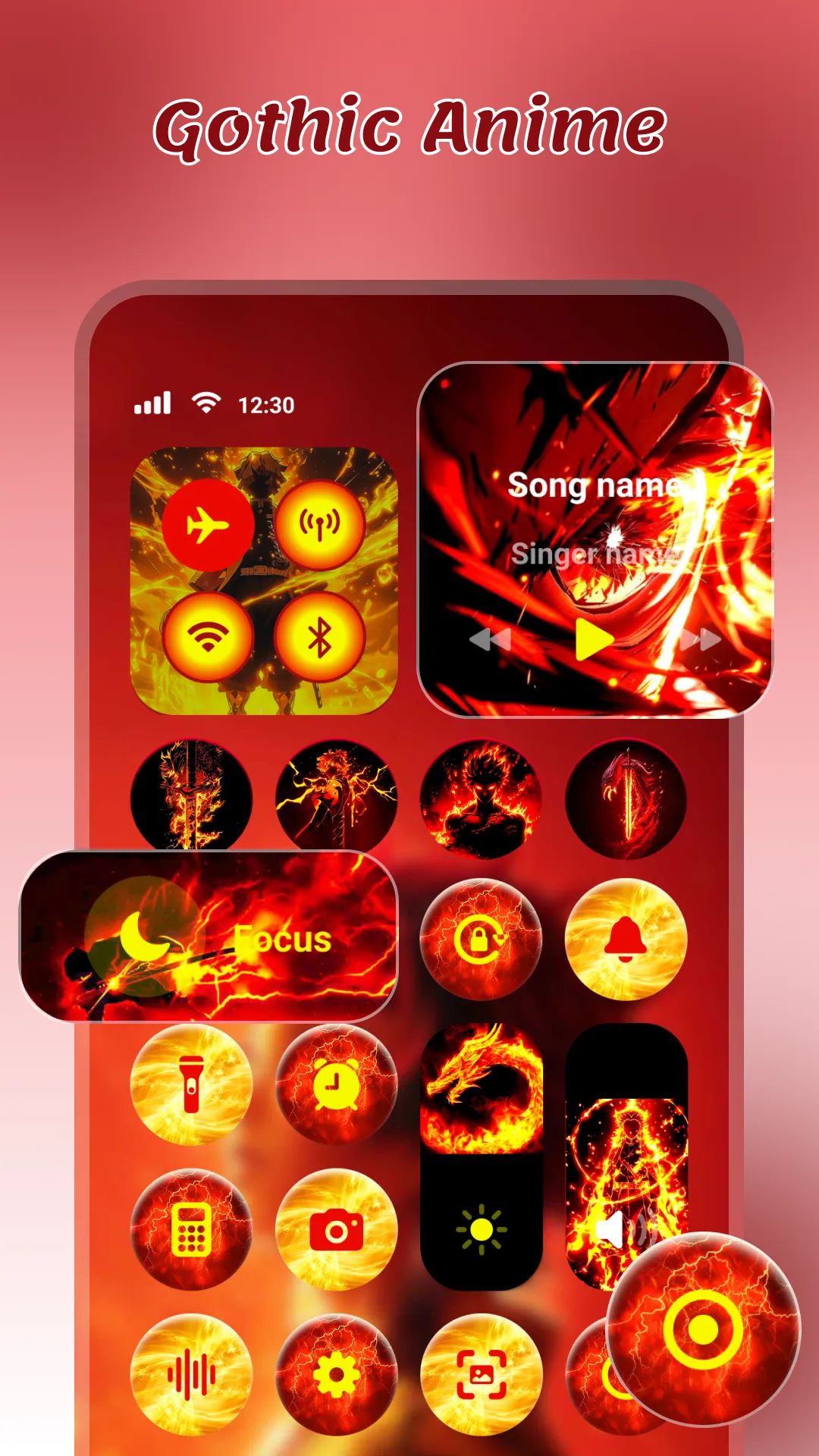
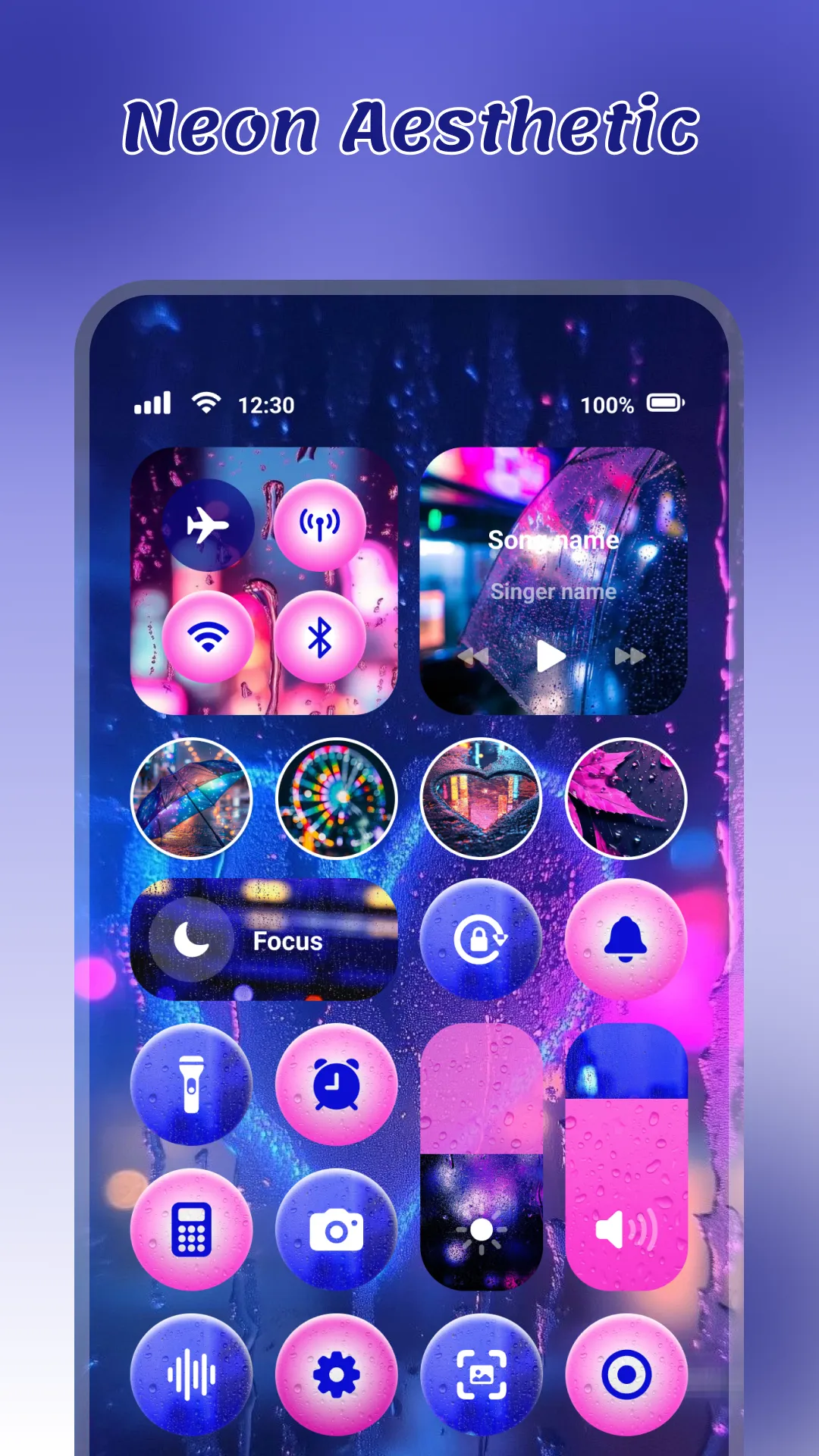
Pick from a curated set of Control Center styles. Dark, light, glass, and more.
Customizable widgets
Music, weather, timer — drag and drop the widgets you actually use.
Privacy-first
No screen recording. No keystroke logging. No personal data collection.
Lightweight
Runs smoothly on Android 8.0 and up. Sub-20MB install size.
Free to use
Supported by ads. No subscriptions. No surprises.
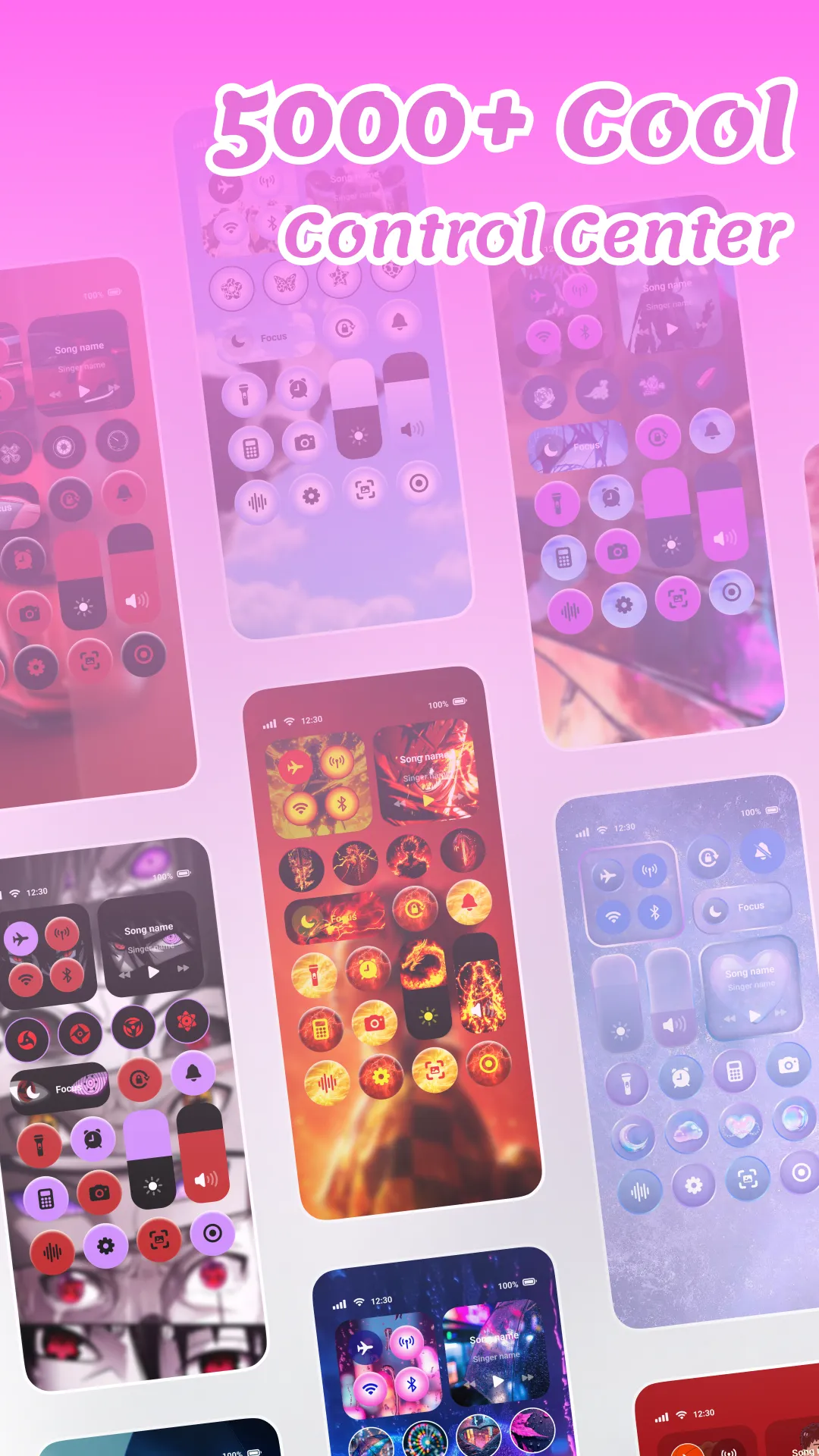
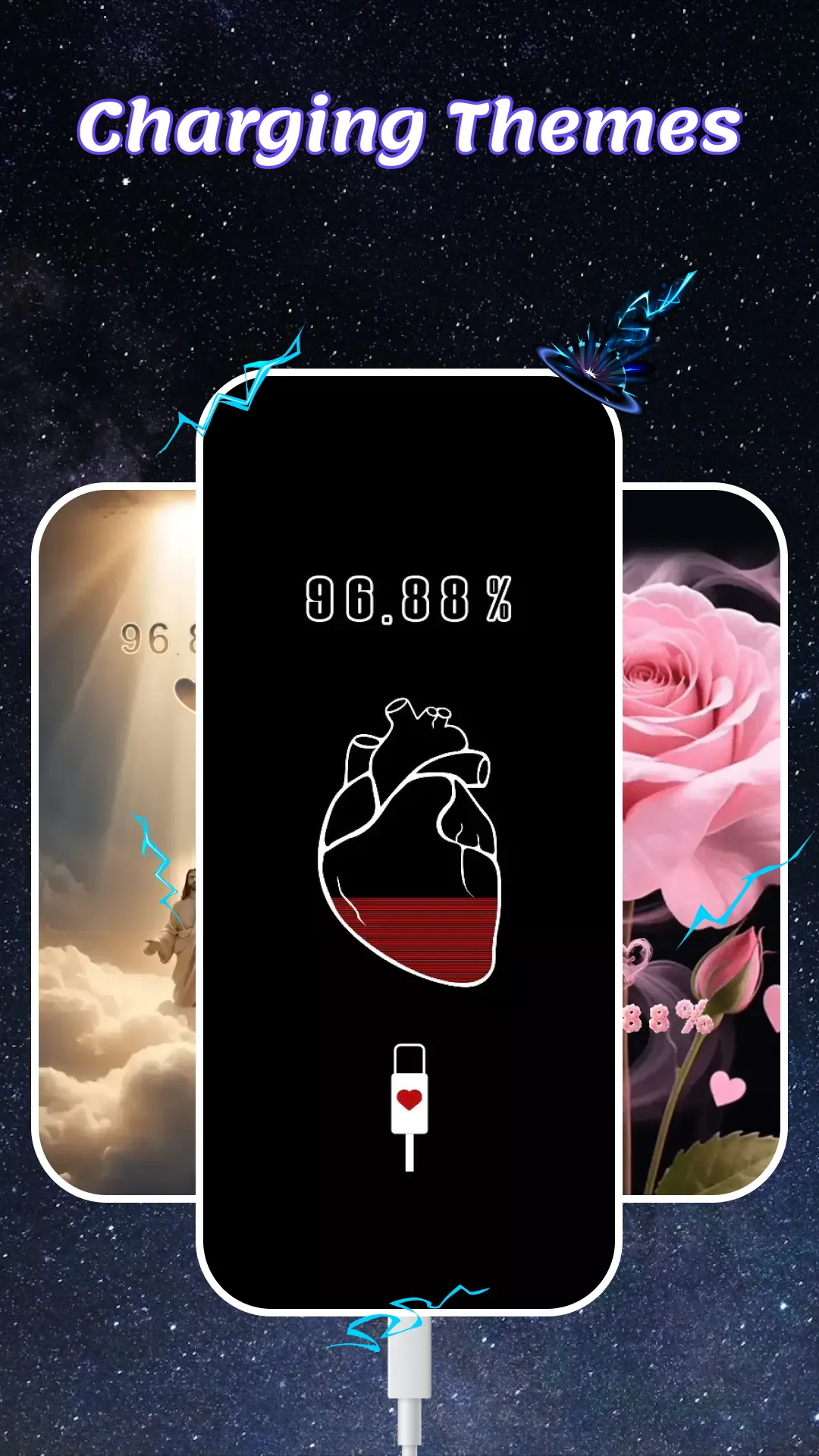
5,000+ themes. One swipe away.
Match your wallpaper, your mood, your vibe. Browse a growing library of Control Center looks — from glassy minimal to vivid neon.
Your phone, your data.
ControlKit uses Android's Accessibility Service only to display the Control Center over other apps and to perform actions you initiate yourself. We do not read screen content, capture keystrokes, or collect personal data.
Read our Privacy Policy →Try ControlKit today.
Free. Light. Beautiful.